If you've worked with OpenClaw, you already know Skills, the task-level instructions that let your agent send emails, query APIs, or pull live data. But plugins operate at a deeper layer. They hook into the agent's lifecycle, reshape how it reasons, authenticates, and interacts with the outside world.
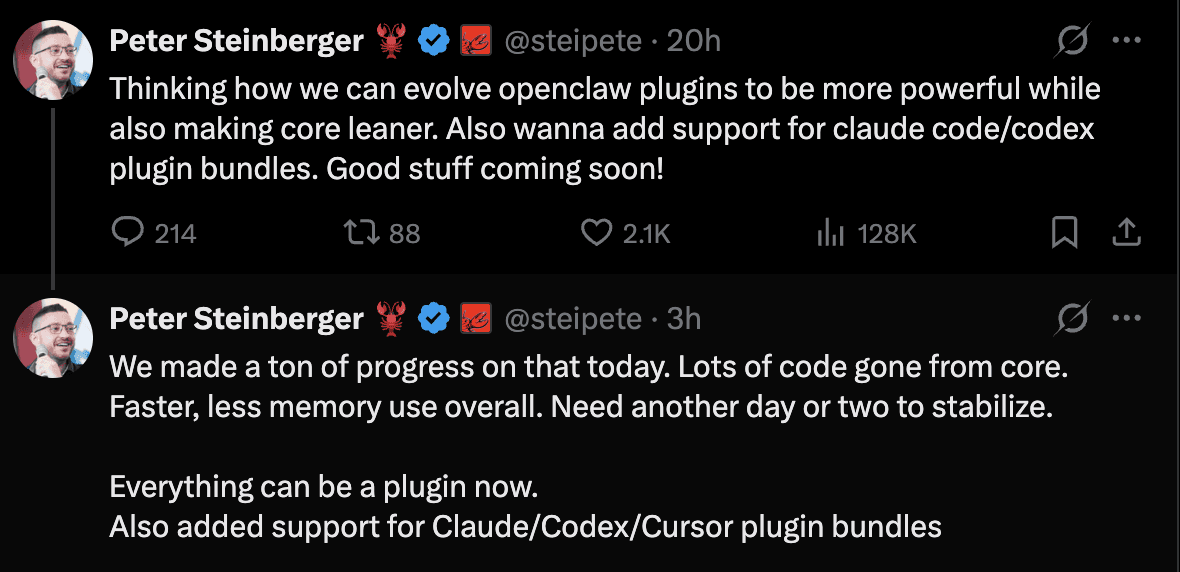
Though OpenClaw currently has a very limited set of official plugins, many independent devs have built some really cool plugins. And it seems OpenClaw plugins are going to get a huge push from OpenClaw.
Top OpenClaw Plugins
As an OpenClaw enthusiast, I collated some of the actually useful plugins for OpenClaw.
Check out the Awesome OpenClaw Plugin repo for more such plugins: ComposioHQ/openclaw-composio-plugins
Composio - Connect OpenClaw with 850+ on-demand SaaS Apps
memU (Memory Framework) - Hierarchical Knowledge Graph That Makes Your Agent Proactive
SecureClaw - OWASP-Aligned Security Auditing and Runtime Hardening
Lobster - Typed Workflow Pipelines with Approval Gates for Reliable Automation
Memory LanceDB - Vector-Backed Long-Term Memory with Auto-Recall and Auto-Capture
MemOS Cloud - Cloud-Hosted Cross-Agent Memory with Async Recall and Isolation
OpenClaw Foundry - Self-Writing Meta-Extension That Learns and Builds Its Own Tools
Better Gateway - Auto-Reconnect, Embedded IDE, and Browser Terminal for Stable Ops
Voice Call - Outbound Phone Calls and Multi-Turn Voice Conversations via Twilio
1. Composio - Connect OpenClaw with 850+ on-demand SaaS Apps
Instead of installing individual skills for every app (Gmail, GitHub, Outlook, Notion), this single plugin connects to Composio’s managed MCP server and handles all OAuth and authentication logic automatically.
This plugin is the official bridge that allows your OpenClaw agent to discover and call any SaaS tools dynamically.
Pre-requisites
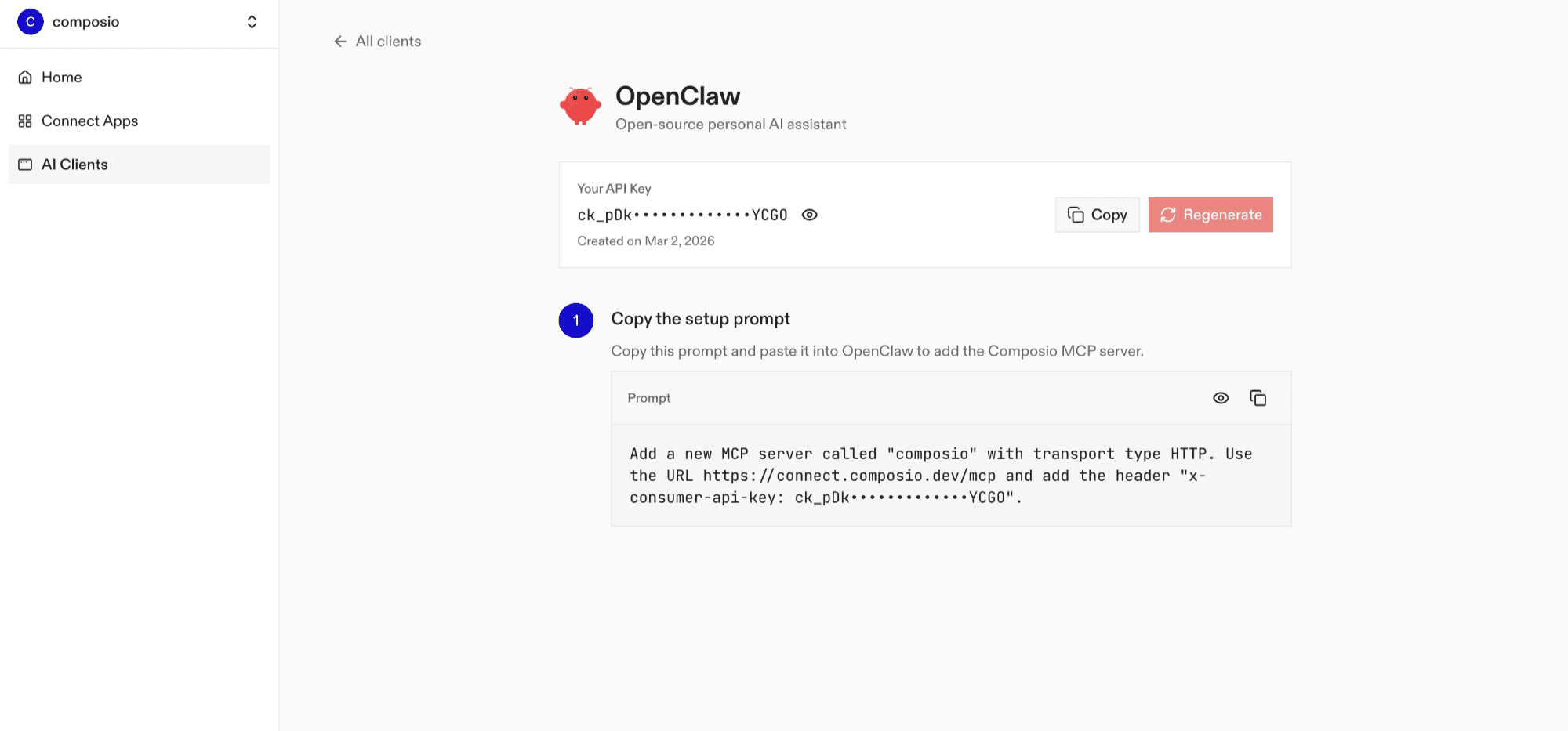
Log in at dashboard.composio.dev
Choose your preferred client (choose OpenClaw)
Copy your consumer key (
ck_...)
Install the Composio plugin
openclaw plugins install @composio/openclaw-pluginSet OpenClaw Config
openclaw config set plugins.entries.composio.config.consumerKey "ck_your_key_here"Then, allow Composio tools in your agent's tool list. This works with any tool profile (coding, minimal, messaging, etc.). Without this step, Composio tools will only be available on the full tool profile:
openclaw config set tools.alsoAllow '["composio"]'After setting your key and allowing the tools, restart the gateway:
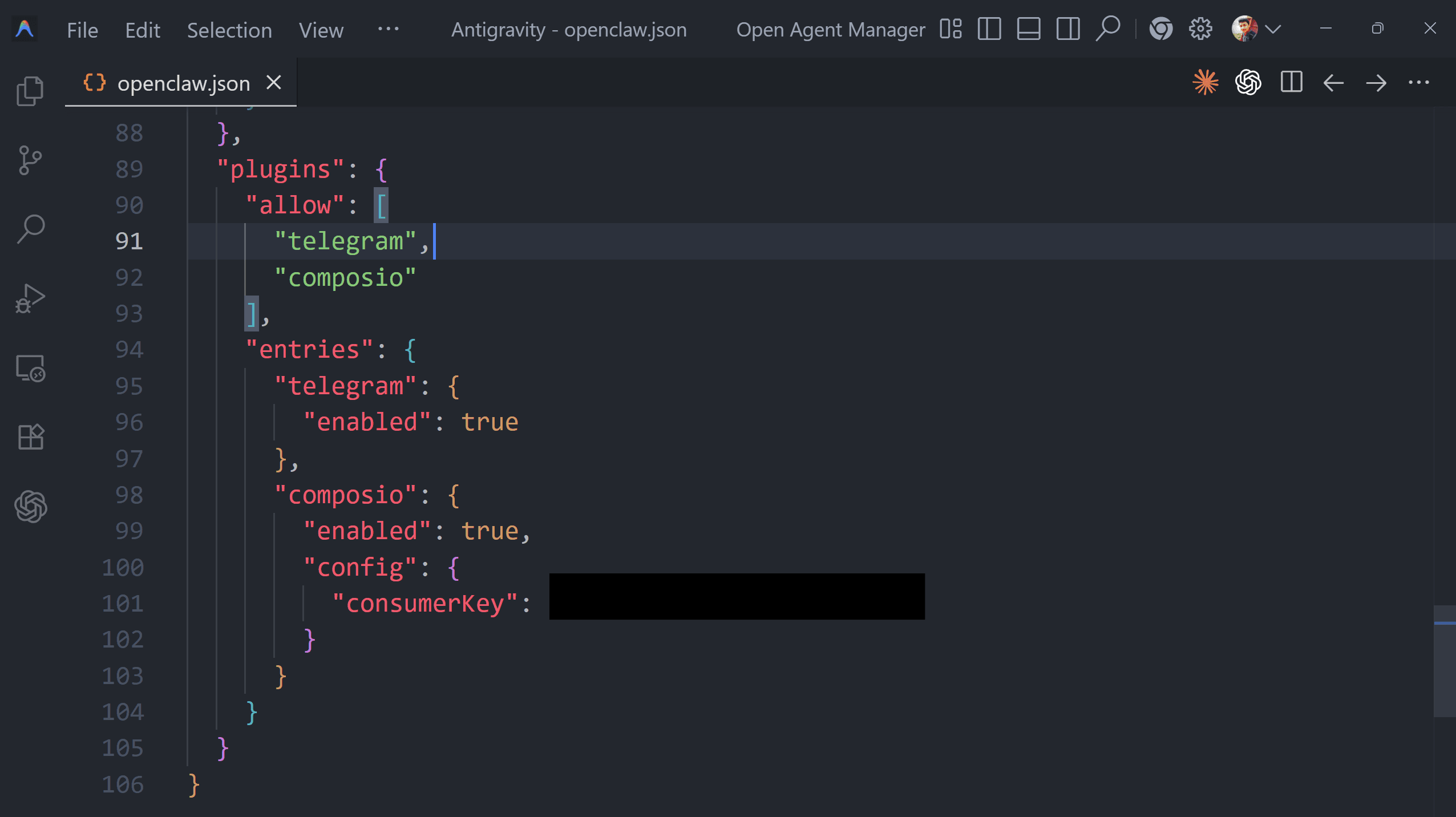
openclaw gateway restartResult (in ~/openclaw/openclaw.json file):